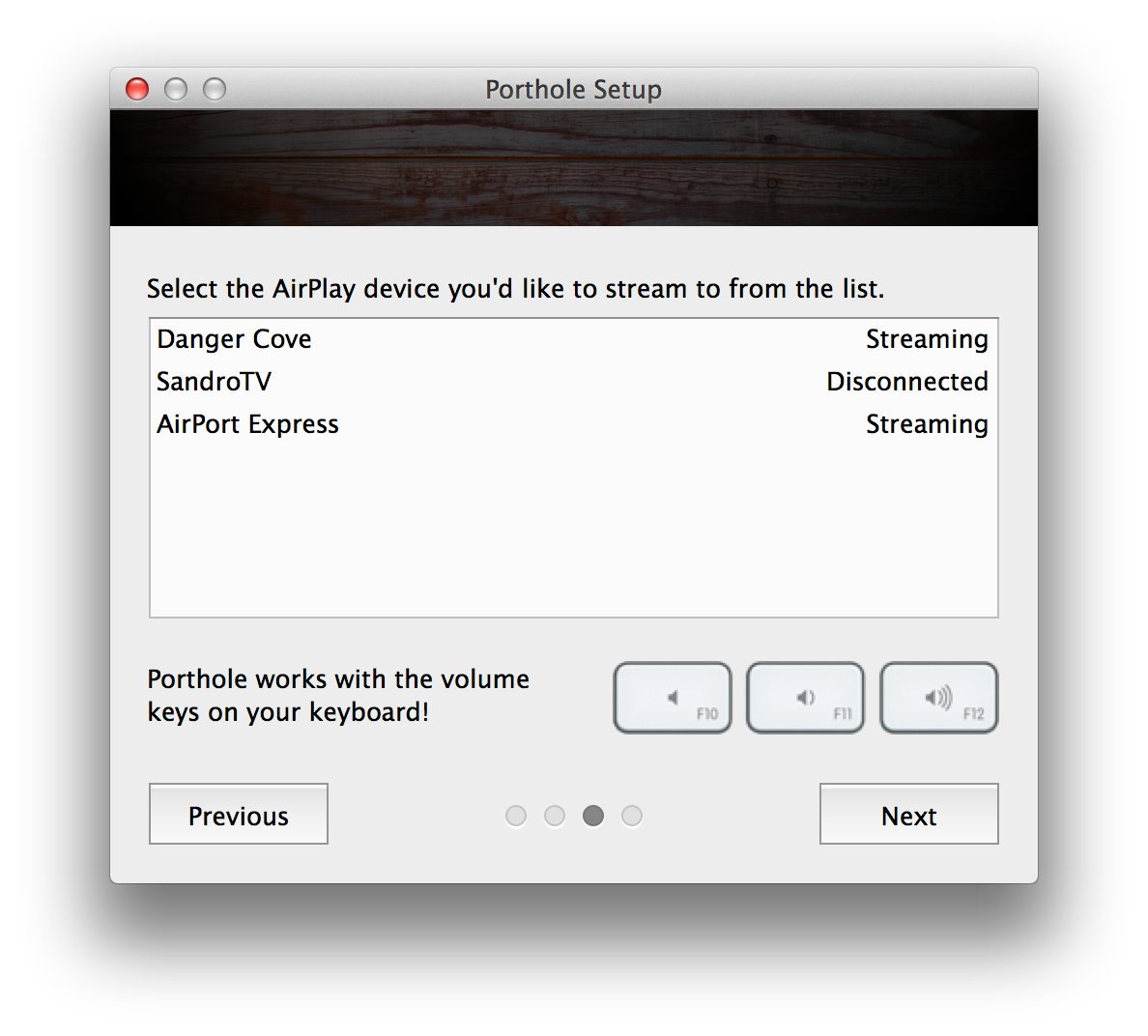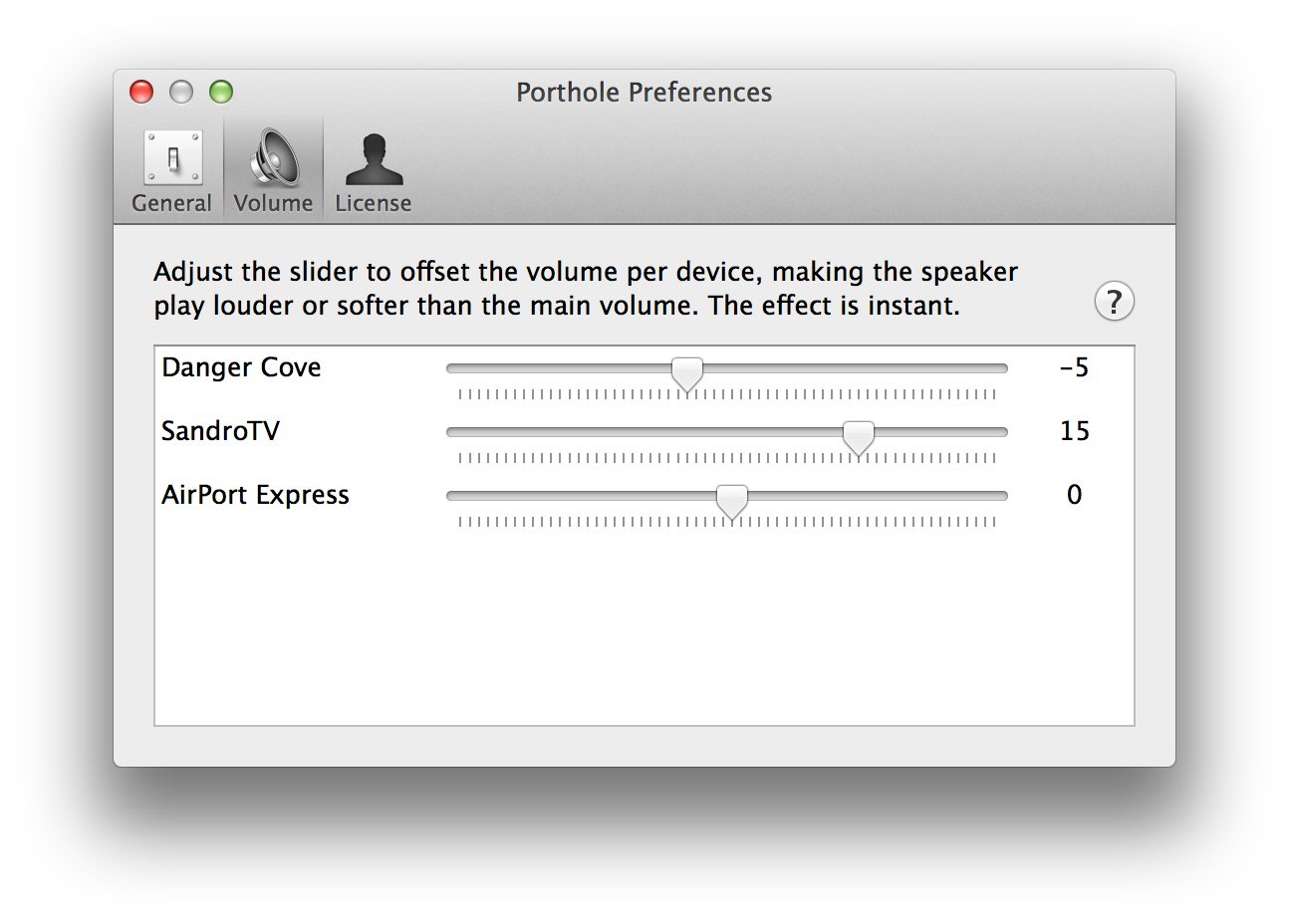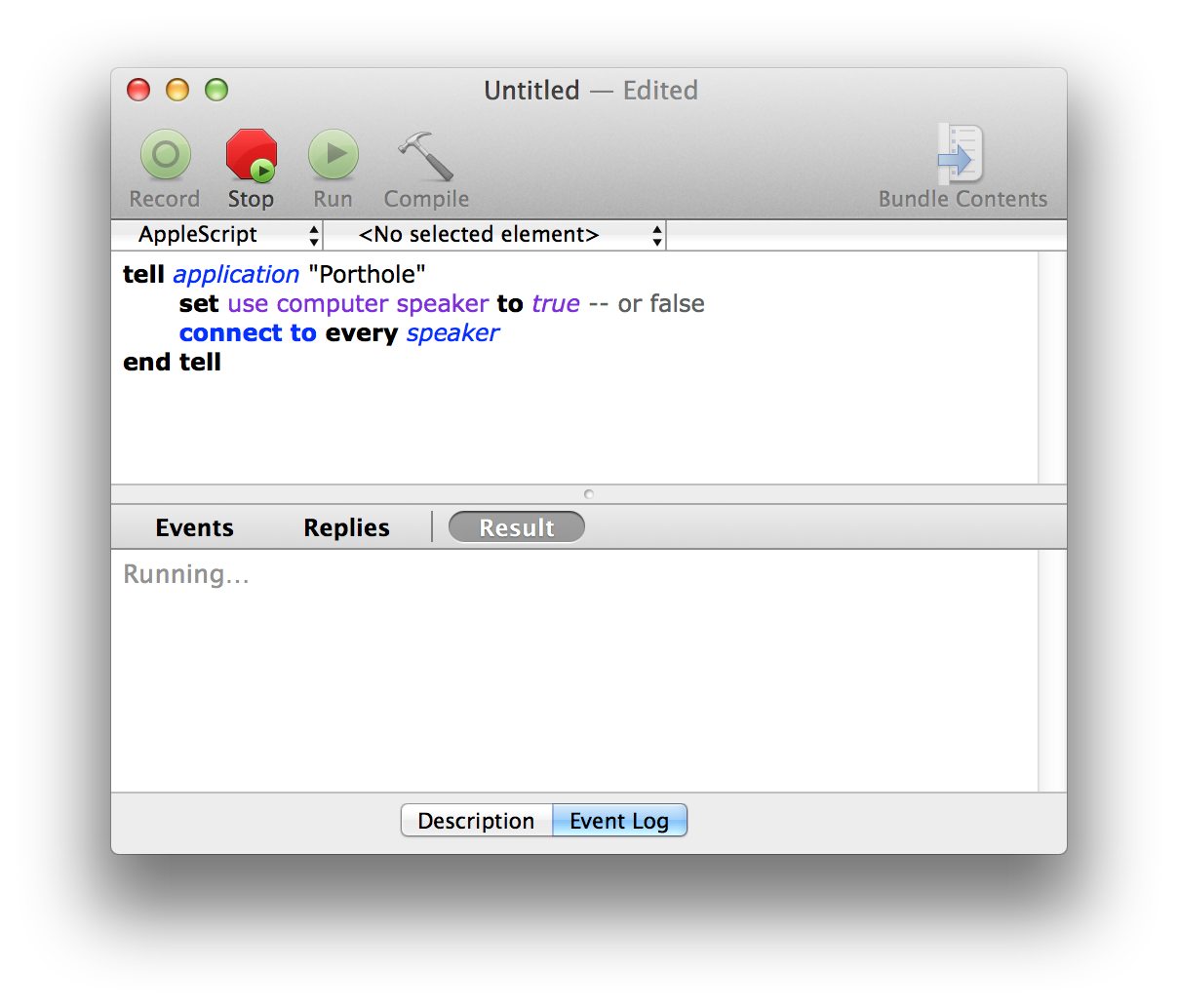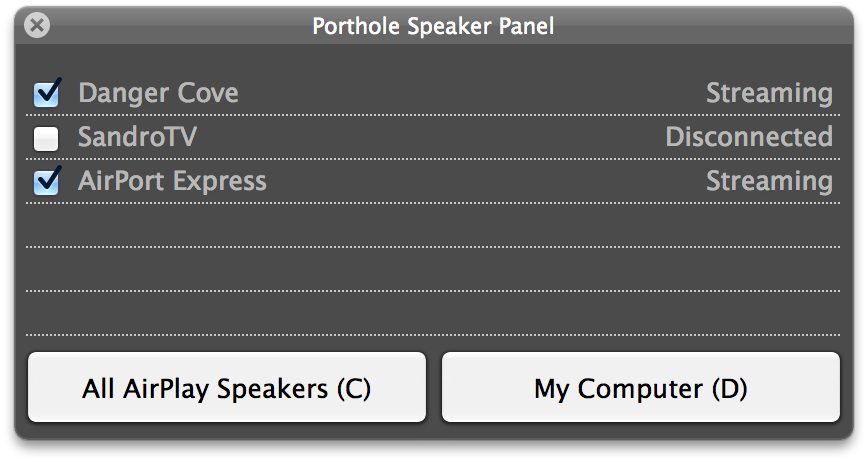
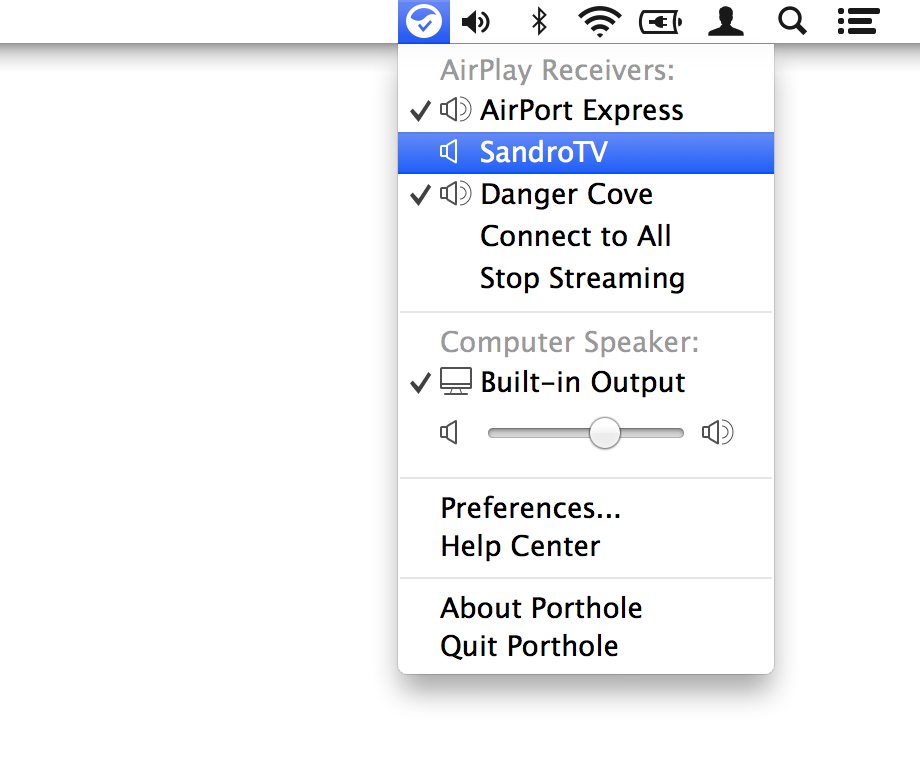
Porthole was the first app ever released by Danger Cove. I started on it in December 2011 and released the first version in Januari of 2012. It allowed you to stream all the audio from your Mac to any AirPlay output on the network, even at the same time. The music would come out of the speakers synchronized, allowing you to walk around the office, or your house and enjoy music everywhere.
Why it’s been discontinued
None of the AirPlay protocol is officially documented. Connecting and streaming to an AirPlay device requires inspecting network packages, cracking encryption and painstakinly piecing together all the steps that are needed by the speaker to cooperate.
With every new firmware release for the AirPort Express or Apple TV, Apple could break Porthole’s functionality. This happened a few times and caused Porthole to stop working until I mended what was broken. Not an ideal experience for users of Porthole, or myself for that matter.
Luckily Apple wasn’t sitting still. In 2017 they announced AirPlay 2, an updated version of the protocol that would allow streaming to multiple AirPlay devices from your Mac and any mobile device (a much requested feature for Porthole). It took a year for ultimately land, but with macOS Mojave and iOS 12 Porthole has been made fully obsolete by the built-in features of Apple’s desktop and mobile operating system.
What others said
On Twitter
New years eve was a great success. Fuelled by @getporthole multi room @Spotify, great app for syncronising AirPlay.
— Will Beardmore (@willbeardmore) January 1, 2015My @Spotify and @getporthole setup is super awesome. Streaming songs straight off the internetz into any room in my house. Indie everywhere!
— Rob Whittaker (@purinkle) June 21, 2014In the media
While you can stream your iTunes audio over AirPlay – that’s it. Pandora, Rdio, Spotify, or users of any other audio app are out of luck. That’s where Porthole comes in, it’s a nifty little utility that lets you stream all of your Mac’s audio over AirPlay.
— Alex Arena (appstorm.net)
Porthole adds an item to your menu bar that transfers your system audio to an AirPort Express with one click. It’s a piece of cake.
— Adam Pash (lifehacker.com)